RTG
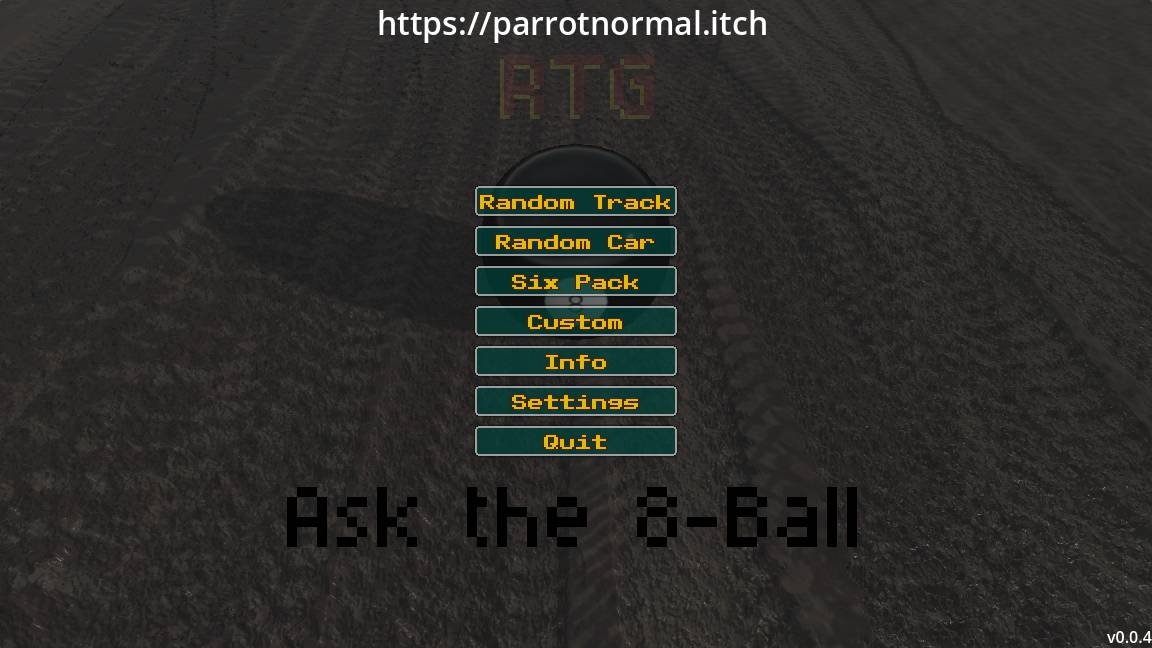
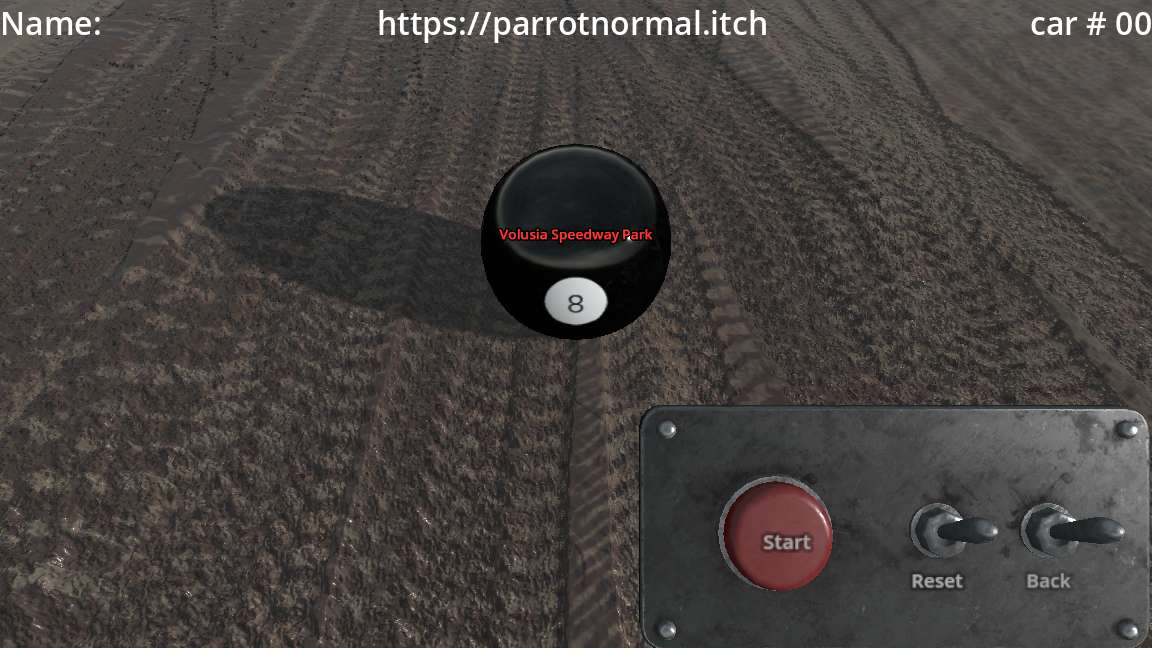
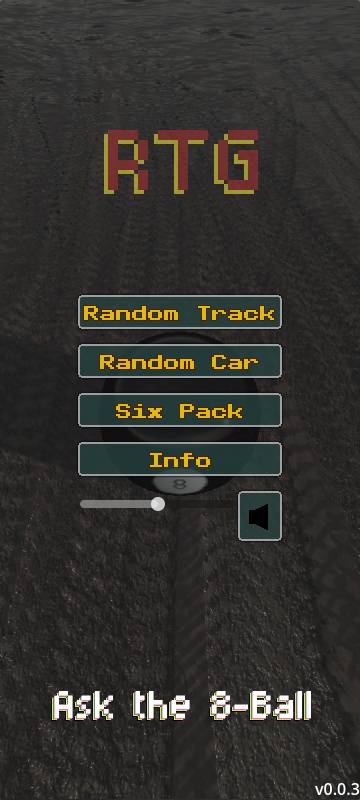
Random Track Generator for WoO 2024 is a simple fan‑made companion tool that helps you and your friends decide what to race next. Whether you want a quick pick or a full session shuffle, this app makes it easy to mix things up.
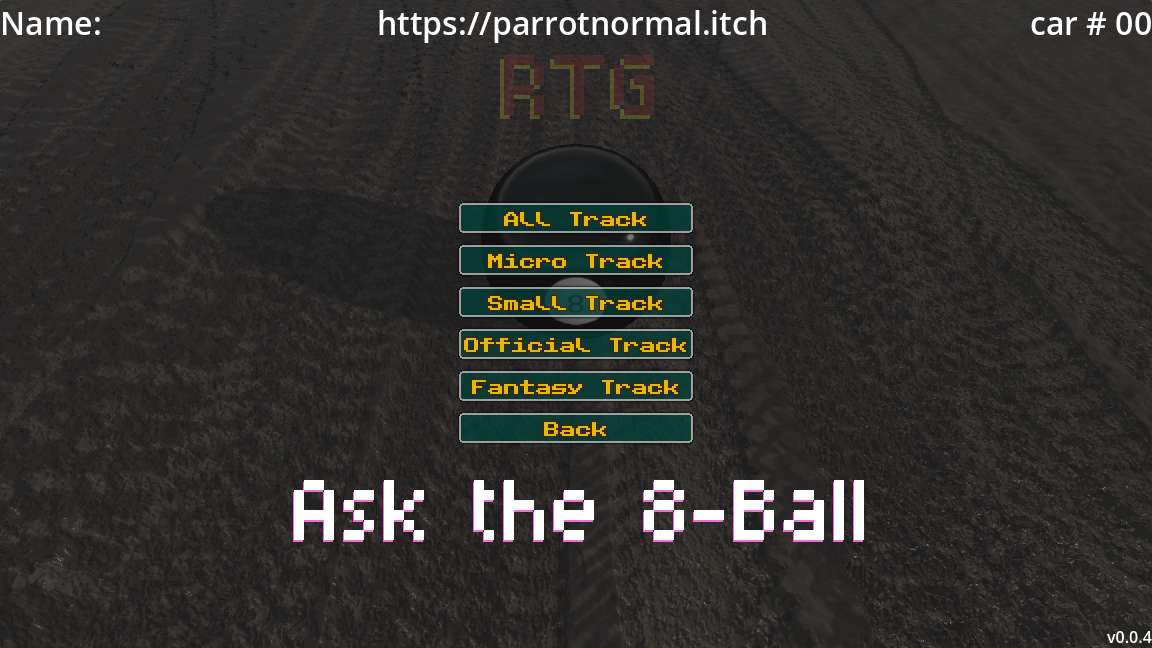
Choose from multiple track filters, including:
Micro: 1/4 mile & smaller
Small: Under 1/2 mile
Official: All real tracks from WoO 2024
Fantasy: All fictional tracks
All Tracks: Every track available
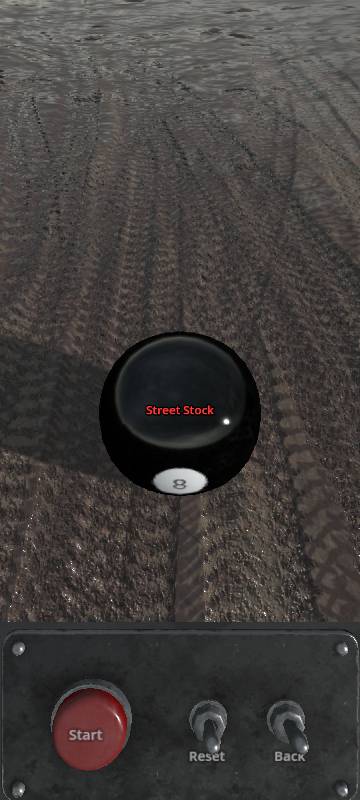
You can also roll a random car or use Six Pack Mode to generate a random car and track combo for fast, fun race setups.
No‑nonsense utility with zero interaction with the official game. Just a clean, fan‑made tool to keep race nights fresh.
Download Version Features
If you download the Windows build, you unlock a few extra quality‑of‑life tools:
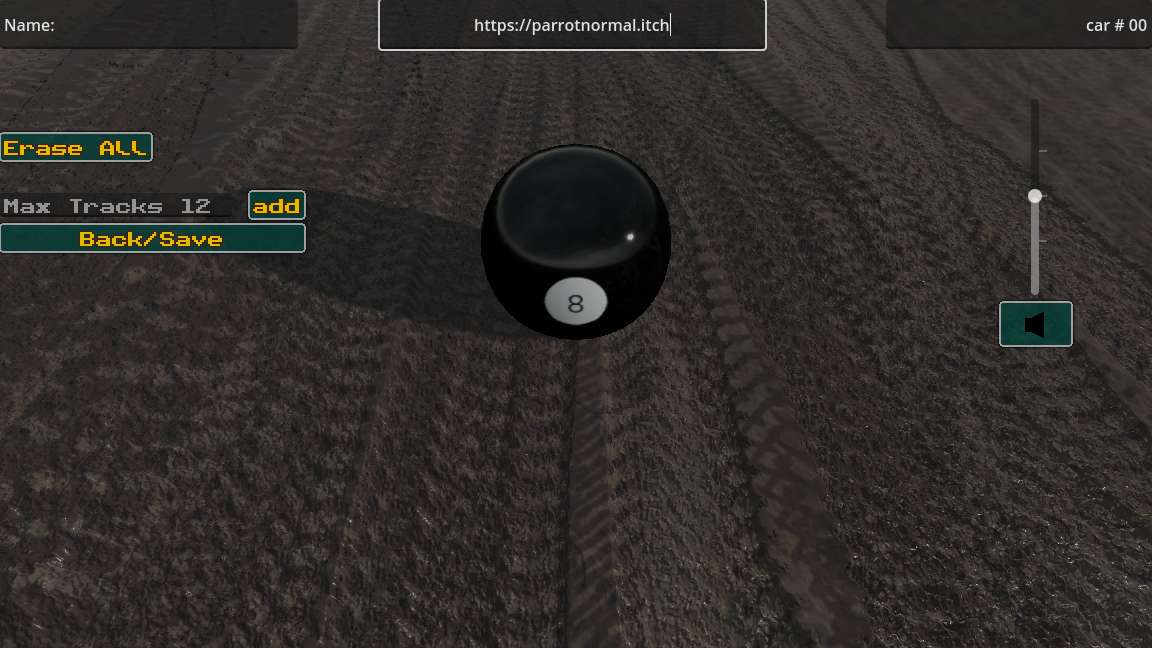
• Custom Random Lists
Create your own personal list of tracks. Perfect for leagues, team events, or your own custom racing nights.
• Name‑Tag Overlay
Add a small customizable name tag at the top of the screen to promote your social media, team name, league, or stream branding. Great for content creators or anyone recording gameplay.
These features are saved locally and load automatically each time you open the app.
Browser Version
The browser version is lightweight, mobile‑friendly, and works instantly with no installation required. Ideal for quick sessions or when you’re on the go.
Built in Godot, this app is fast, simple, and designed purely for fun. It runs in your browser with a mobile‑friendly HTML version, or you can download a Windows build to run it on your own PC. It doesn’t interact with the official game in any way — it’s just a handy companion for fans who want a quick, fair way to choose what to race next.
This project is not affiliated with, endorsed by, or connected to World of Outlaws, iRacing, or any official developers or publishers. It is a fan-created utility made for entertainment purposes only.
Download
Install instructions
-Click the Download button and save the ZIP file to your computer.
-Once the download finishes, right-click the ZIP file and choose “Extract All” Open --the extracted folder and double-click the .exe file to start the game
For linux RTG_Light:
1.Download: Click the download button
2..Unzip: right-click the file and choose ‘Extract All.’
3.Left-click: the file and open in Terminal
4.Copy: sudo chmod a+x RTG_Light.x86_64
5.Left-Click executable fire
For linux RTG:
1.Download: Click the download button
2..Unzip: right-click the file and choose ‘Extract All.’
3.Left-click: the file and open in Terminal
4.Copy: sudo chmod a+x RTG.x86_64
5.Left-Click executable file
Leave a comment
Log in with itch.io to leave a comment.